

Available in all plansFarming
Inactive finder
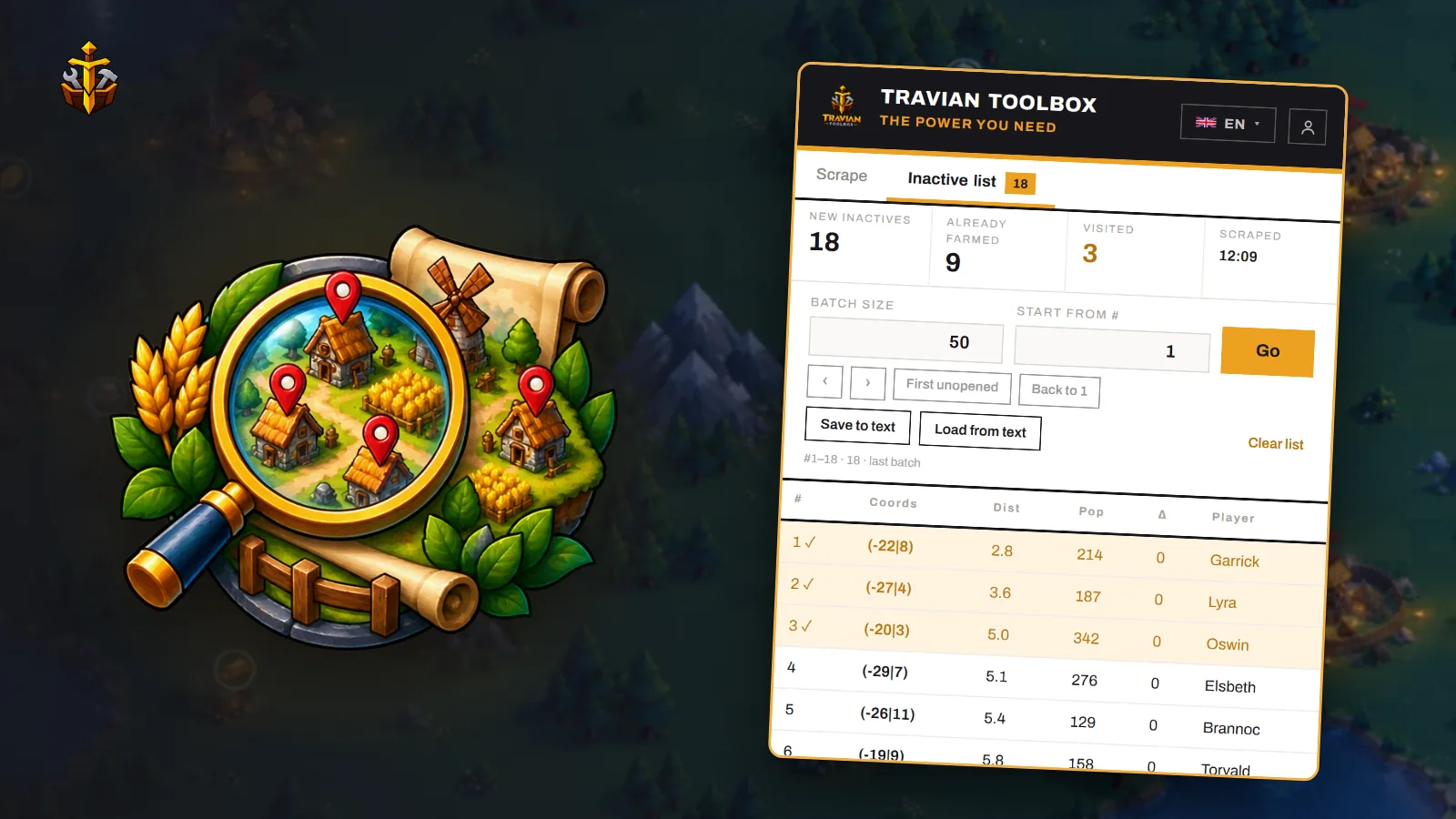
Searches the players around your active village for the ones who stopped growing, leaves out the villages already in your farm lists, and opens the rest in batches so you can send raids without hunting the map.
 EN ▾



What it solves
The farm list builds itself.
Before
Checking profiles one by one
Opening village after village to see whose population stopped moving.
With Travian ToolboxOne scrape finds every player inactive for the days you choose, within the distance you set.
Before
Farming the same village twice
Losing track of which villages are already in your farm lists.
With Travian ToolboxVillages already in your farm lists are counted as already farmed and left out.
Before
One tab at a time
Copying coordinates into the rally point by hand.
With Travian ToolboxOpen the list in batches of the size you pick. Every village you open is marked visited.
Key controls
Two tabs: scrape, then the list.
| Control | What it does |
|---|---|
| Max distance | How far from your active village to look, in grid fields (0–400). |
| Inactive for | How many days a player’s population has to have stood still. |
| Population | Ranges for the player’s population, the village’s, and the daily change. |
| Exclusions | Hide tribes, your own villages and your allies, and choose whether villages that lost population show. |
| Batch size · Start from # | How many villages each batch opens, and where in the list to start. |
| Save to text · Load from text | Keep a list as a file and load it back later. |

Tip — scrape again at the start of each session. Villages you have added to your farm lists since drop out on their own.