

Available in all plansFarming
Raid analysis
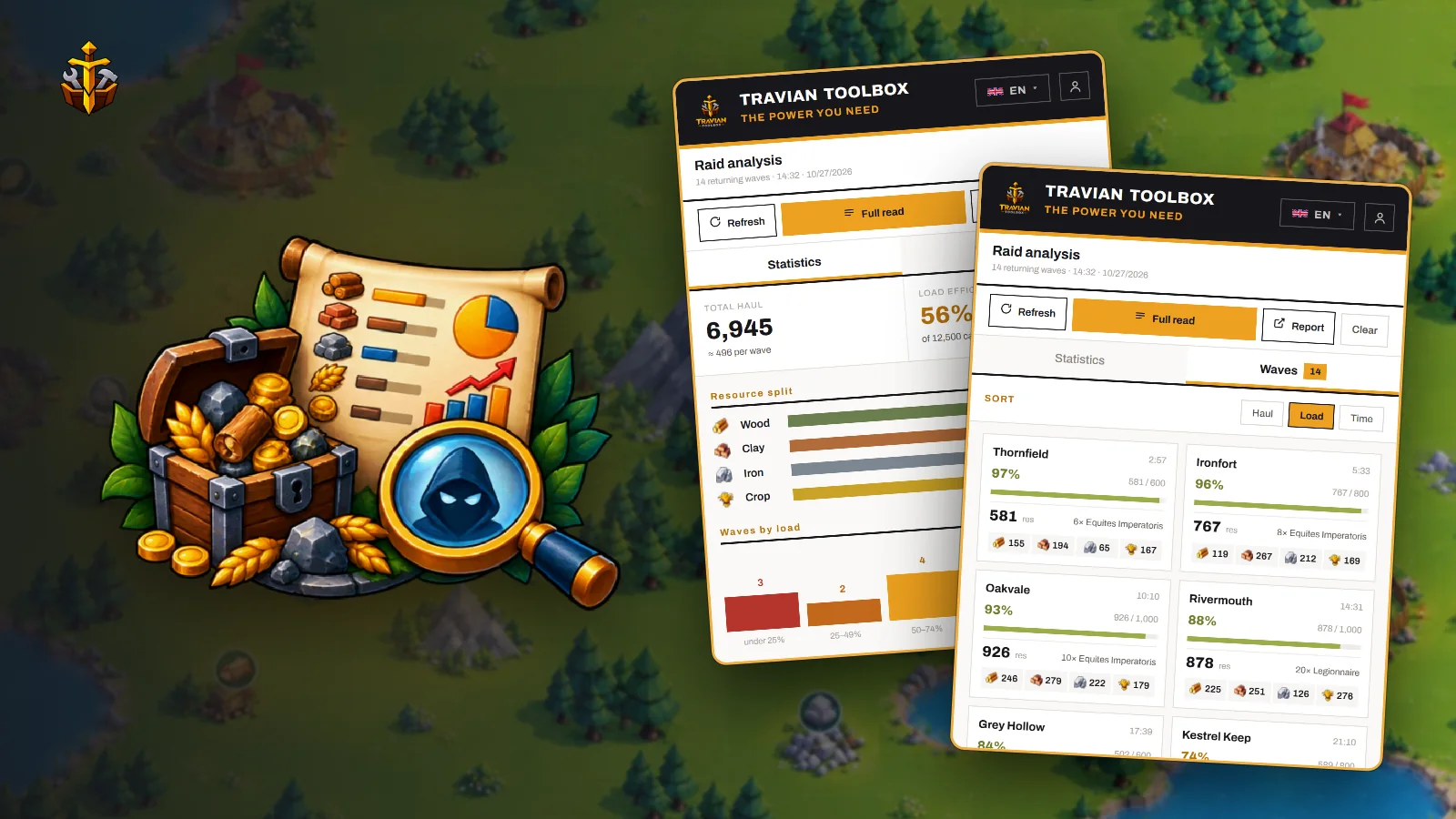
Reads the returning raids at your rally point and shows what each wave brought home, how full it came back, and which farms need more troops — or fewer.
 EN ▾



What it solves
Know what every farm is worth.
Before
Adding up reports
Going through report after report to see which villages pay.
With Travian ToolboxTotal haul, the resource split and the load of every wave, from one read of the rally point.
Before
The same troops everywhere
Half-empty waves to small farms, full ones that leave loot behind.
With Travian ToolboxEach village gets a suggestion — send more, send fewer, keep, or drop it — with the reason.
Before
Reports that disappear
The rally point only shows what is coming back right now.
With Travian ToolboxEvery read is kept on your computer, so the full report grows day by day.
Key controls
From one wave to the whole season.
| Control | What it does |
|---|---|
| Refresh | Re-reads the rally point page you are on: no reload, no extra request. |
| Full read | Reads every page of the returning list. |
| Statistics · Waves | Totals and load efficiency, or every wave sorted by time or load. |
| Report | Opens the full report in a tab: daily loot, villages by fill and loot, and a log for each village. |
| Increase · decrease thresholds | The fill levels at which the report suggests more or fewer troops. |
| Export CSV | Exports the villages you pick to a spreadsheet. |
Tip — use Full read when many raids are coming back at once. Refresh is enough for the page you are looking at.