Clearing oases pays well in Travian Legends. Every animal you kill is worth resources, from 40 of each resource for a rat up to 200 of each for an elephant, and your hero gains experience from the fight. Finding the oases is the slow part. The game only tells you what is on an oasis when you click it, so checking a 20-field radius by hand means hundreds of clicks, and by the time you finish, some of the animals you counted are gone.
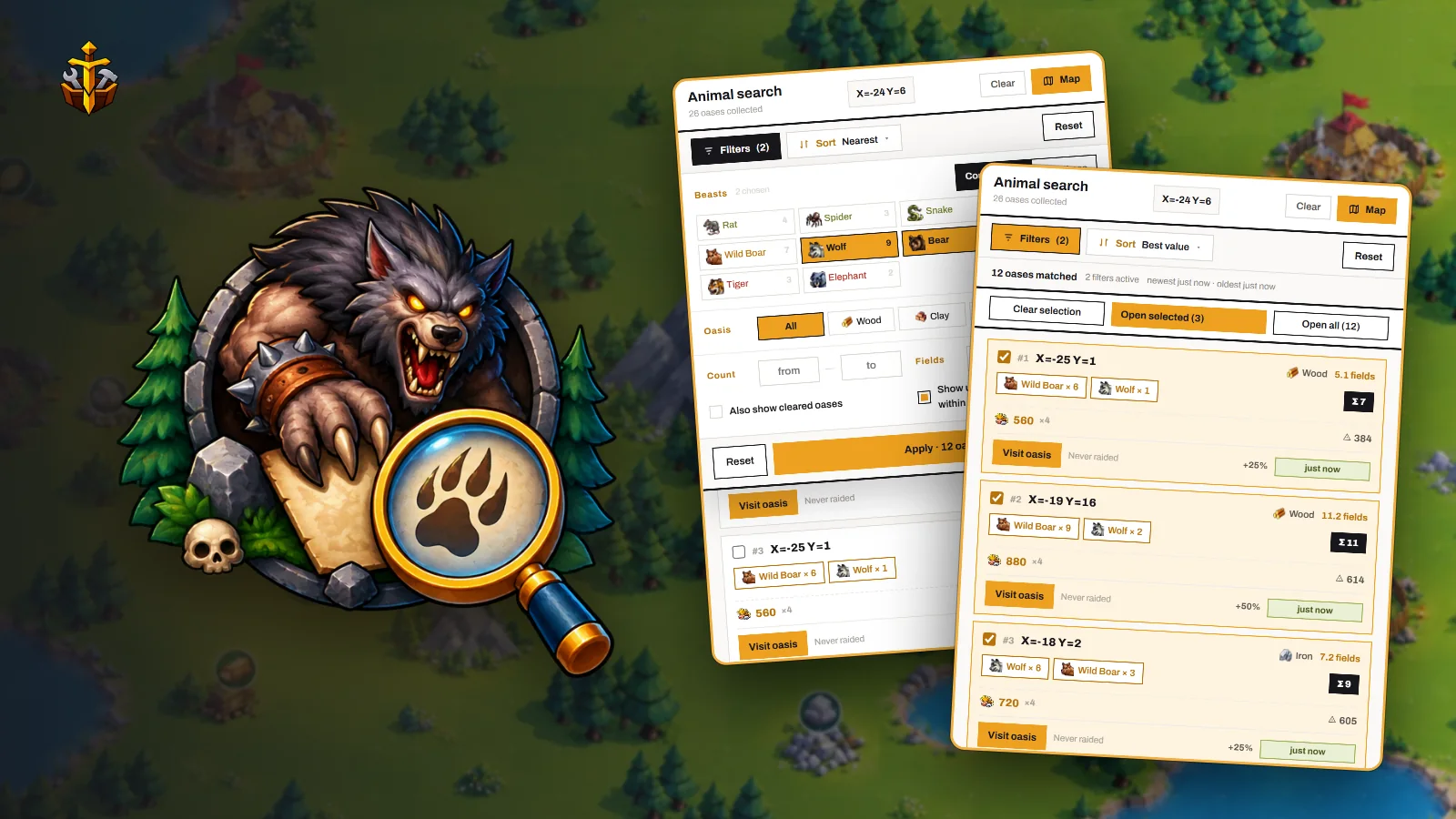
The oasis search in Travian Toolbox collects the oases for you while you move the map, then lets you filter them down to the ones your troops can take.
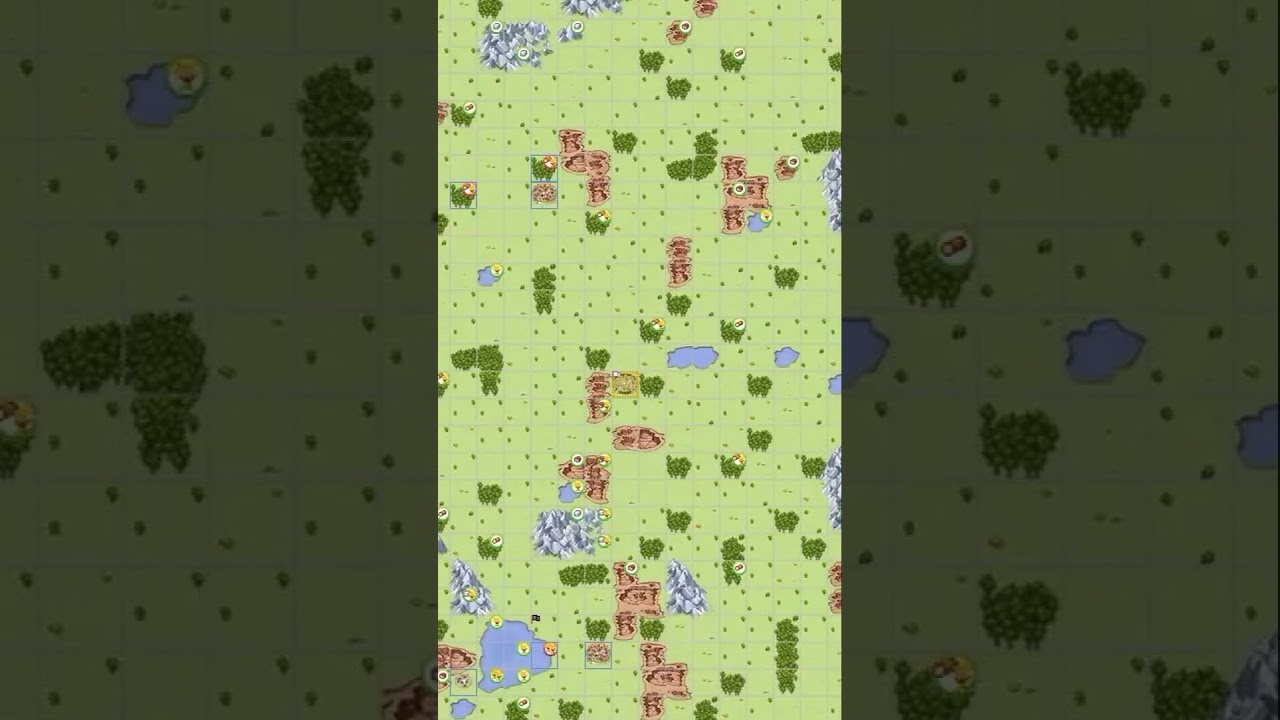 Master oasis raids and build the ultimate PvE village3:00
Collect every oasis by panning the map
Open the map in Travian and drag it around your village. The map already loads what sits on every tile, and the extension reads the same data the game receives, so each oasis you pass over is added to the list with its animals. Nothing extra is sent to the Travian server.
There are two ways to open the tool:
- Animal search in the extension popup.
- The Oasis beasts button that the extension adds to the end of the map's own toolbar. It opens the list in a floating window over the map, so you can keep panning and watch it grow.
Tip — Zoom the map out before you pan. Each drag then loads more tiles, and a few moves cover your whole area. The Map button inside the tool opens the map already zoomed out.
Filter for what your troops can clear
Two hundred oases in a list is still a lot of reading. Press Filters to cut it down.
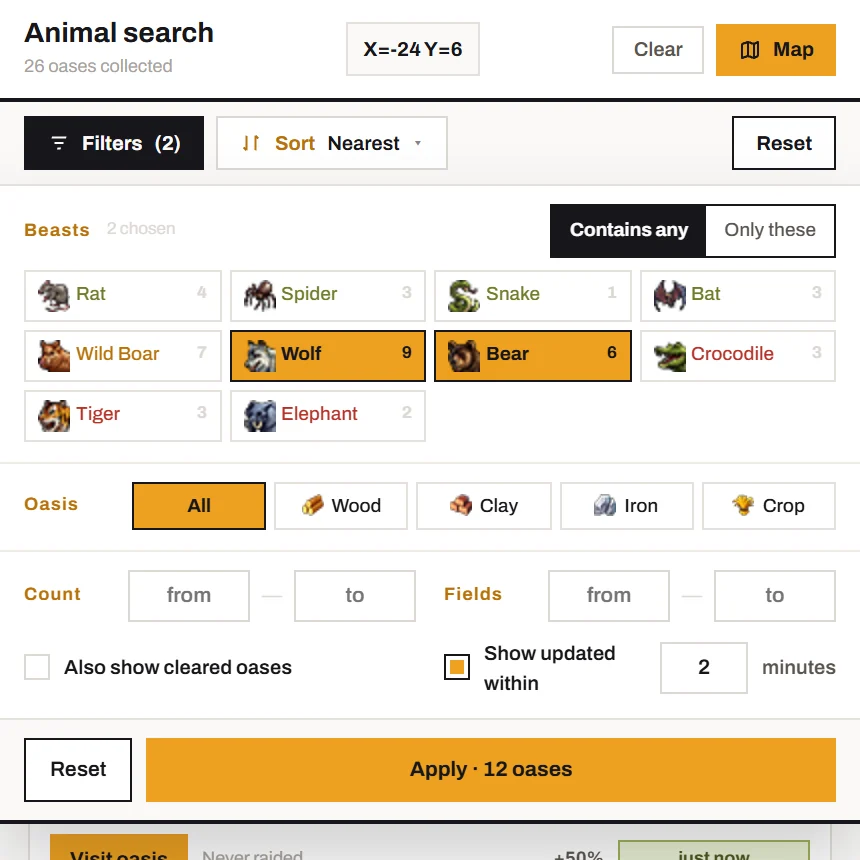
Oasis picks the resource type. Choose the one you are short of, or leave it on All.
Beasts shows one chip for each animal that was actually found on your map. The colour tells you how hard it is: green you can clear now, gold needs more troops, red needs an army. The number on a chip is how many oases hold that animal.
Match decides how the beast chips are read. Contains any keeps every oasis that holds at least one of your picks, even if an elephant is standing next to them. Only these keeps oases that hold nothing except your picks. If you want to know what your troops can clear without surprises, use Only these.
Count is a range for the number of animals. A from of 1 hides empty oases, and a low to keeps the list to oases one wave can finish. Fields limits the distance from your village.
Sort by what you want out of it
| Sort | Ranks by |
|---|---|
| Nearest | Fewest fields to walk. |
| Most beasts | The biggest fight. |
| Most loot | What the oasis pays if every animal falls. |
| Best value | Loot divided by how hard the oasis defends. |
Best value is the one most players end up using. It puts the weakest oases that pay the most at the top, which is why thirty rats rank above four elephants.
Two setups worth saving
Hunting with your hero
Sort by Best value and set Match to Only these with the animals your hero can handle. Each card shows the oasis's Loot and its Defence, so you can see before you send whether the fight is worth it.
Warning — Animals fight back. If a pack is bigger than your hero can take alone, send troops with it, or the hero comes home with half its health gone.
Filling a farm list with small oases
This is the setup from our video: pick Clay and Iron under Oasis, set Count to 10 or fewer, and pan your area. You get a list of oases a small raid can clear.
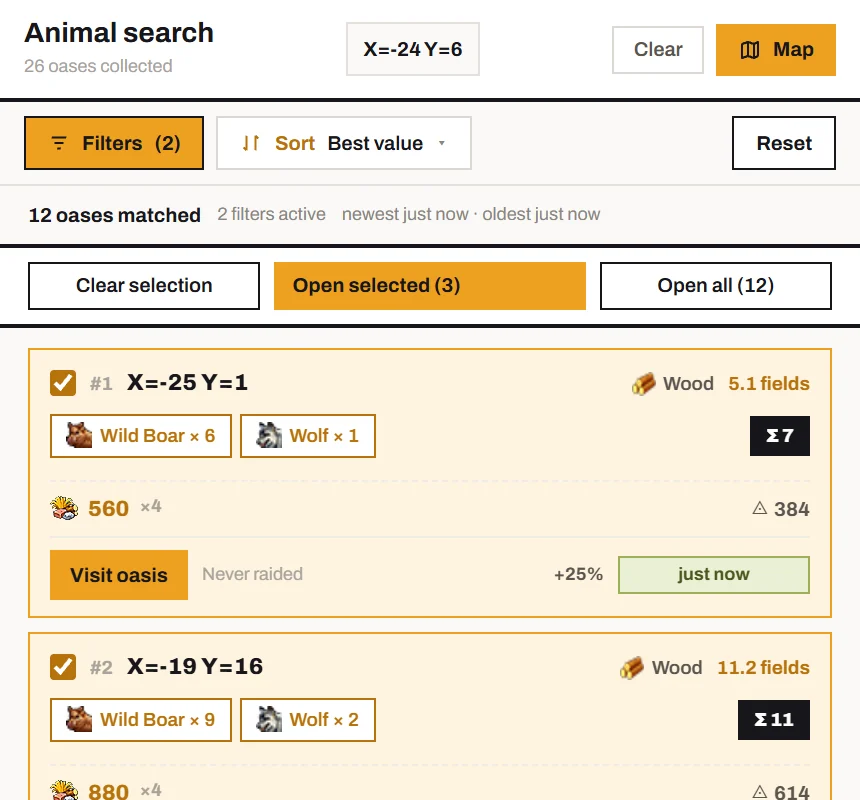
Then open them all at once. Open all (N) opens every oasis the filters left, each in a background tab, and Open selected (N) opens only the ones you ticked. Anything over 10 tabs asks you to confirm first. In each tab, add the oasis to your farm list, press Ctrl + W to close it, and you land on the next one.
Check how old a reading is
Animals move, and other players clear oases too, so a reading from half an hour ago can be wrong. Every card shows how old its reading is and turns Outdated once it is older than your freshness window. The window is 2 minutes by default and can go up to 240 under Consider fresh for. Turn on Updated only to hide old readings, and pan over the area again to refresh them.
Try it
The oasis search is one of the tools in Travian Toolbox, an extension for Chrome. Install it and start with the free trial. Every filter and button is also covered in the oasis search docs.